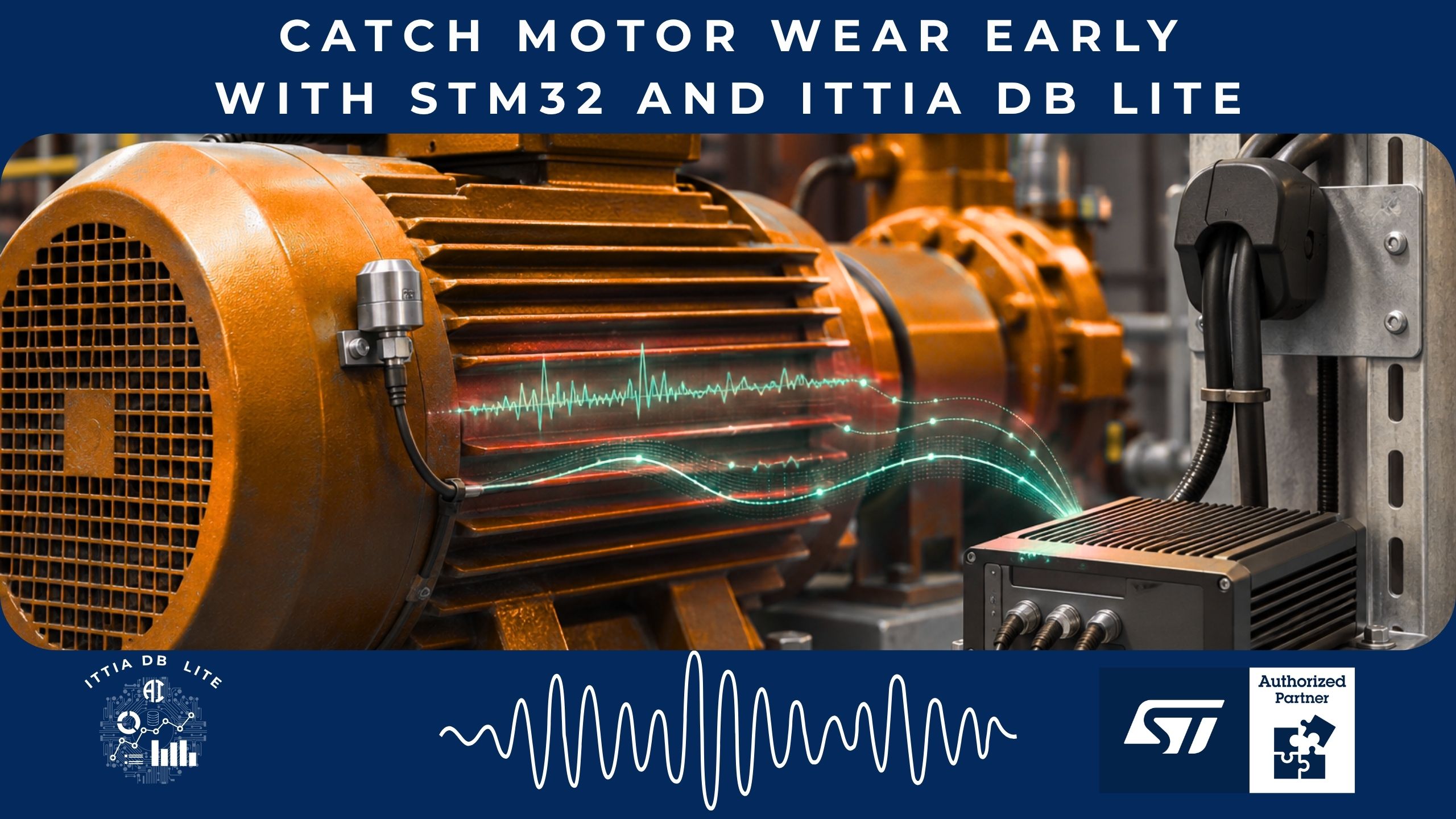
Catch Motor Wear Early with STM32 and ITTIA DB Lite
How local sensor history supports preventive maintenance and on-device AI
A pump can run within its alarm limits while vibration slowly rises over several weeks. A technician who sees that trend under comparable operating conditions has a reason to inspect the pump during a scheduled stop. An STM32 microcontroller and ITTIA DB Lite can collect and preserve that evidence on the equipment itself.
Compare runs under similar conditions
A healthy motor may vibrate more as it speeds up or takes on a heavier load. To distinguish an operating change from possible wear, record vibration alongside speed and load. Motor current and temperature can provide additional context. Compare each new reading with a healthy baseline built from the same operating range.
For example, a pump that repeatedly shows higher vibration at its normal speed and load may deserve a closer look. The same increase during startup may simply reflect a transient. Capturing when and how the motor was running helps the maintenance team tell those situations apart.
Keep the history on the device
ITTIA DB Lite stores timestamped measurements and derived values on the STM32. The application can keep a short rolling history of high-rate vibration samples, preserve selected windows around unusual events, and retain compact summaries for longer-term trends. This gives engineers evidence to investigate while keeping storage use within the device’s budget.
From Sensor History to On-Device AI
Physical AI starts with measurements from the machine. In a motor health application, the microcontroller can turn each sample window into a small set of features that describe how the motor is behaving. An on-device model can then evaluate those features together and produce a health score or anomaly classification.
Choose features that describe the motor
Vibration root mean square (RMS) summarizes the overall amplitude of a window. Frequency-band energy can show where vibration is changing, even when the overall RMS changes little. Current, speed, and temperature trends can help the application interpret those changes in context. ITTIA DB Lite AI supports local preparation of features for the inference workflow.
Capture the evidence behind an alert
Save the timestamp, operating conditions, feature values, and baseline used for the assessment. If the device runs an AI model, record its version and output with the event. When a technician reviews an alert, that record shows which measurements were available and what the device reported at the time.
In a pump installation, an alert might show that vibration rose across multiple runs at comparable speed and load while the temperature remained steady. The technician can use that evidence to prioritize an inspection and check possible mechanical causes such as mounting, alignment, or bearing wear.
Keep monitoring during network interruptions
The STM32 can continue collecting measurements and evaluating motor health when the network is unavailable. When connectivity returns, the application can send health summaries and selected event records to a gateway or fleet dashboard. Keeping high-rate data local helps limit network traffic while preserving the detail needed for investigation.
When integrating monitoring into an existing controller, measure its CPU, RAM, flash, and timing costs alongside the motor-control workload. Choose a sample rate, window size, and retention policy that fit the device and the signals you need to observe.
A C Example for Vibration Monitoring
This rule-based check calculates RMS for a window of calibrated, zero-centered accelerometer samples. It loads the healthy RMS baseline and alert ratio from an ITTIA DB Lite table, selecting a row by motor, speed band, and load band:
CREATE TABLE vibration_baseline (
    motor_id UINT32 NOT NULL,
    speed_band UINT32 NOT NULL,
    load_band UINT32 NOT NULL,
    healthy_rms FLOAT32 NOT NULL,
    alert_ratio FLOAT32 NOT NULL,
    PRIMARY KEY (motor_id, speed_band, load_band)
);
Provision multiple calibrated rows before monitoring. For example, this table contains three illustrative choices for motor 7; healthy RMS uses g in this example:
| motor_id | speed_band | load_band | healthy_rms | alert_ratio |
|---|---|---|---|---|
| 7 | 1 | 1 | 0.20 | 1.5 |
| 7 | 2 | 1 | 0.28 | 1.6 |
| 7 | 2 | 2 | 0.35 | 1.4 |
The application assigns measured speed and load to configured, nonoverlapping bands and passes their IDs to the function. Assess only windows that remain within one operating range. Baselines must use the same sensor axis, units, calibration, sampling, and windowing method as the measured samples.
Generate the typed C API with ittiadb codegen motor_baseline --schema-file=motor_baseline_schema.sql, then compile the generated motor_baseline_database.c with the application. After initializing ITTIA DB Lite, call open_motor_baseline_database() with the platform's persistent-storage configuration and obtain a task-local connection with db_connect(). Pass that connection without an active transaction:
#include "motor_baseline_database.h"
#include <stdbool.h>
#include <stddef.h>
#include <stdint.h>
#include <math.h>

dbstatus_t vibration_above_baseline(
    db_t db, uint32_t motor_id, uint32_t speed_band, uint32_t load_band,
    const float *samples, size_t count, bool *above_baseline)
{
    if (samples == NULL || count == 0 || above_baseline == NULL)
        return DB_EINVAL;
    *above_baseline = false; /* Only valid when the returned status succeeds. */

    /* Exact lookup selects one row from the table's composite primary key.
     * This generated function manages its own read-only transaction. */
    vibration_baseline_row_t baseline;
    dbstatus_t status = find_vibration_baseline_by_PK(
        db, motor_id, speed_band, load_band, &baseline);
    if (DB_FAILED(status))
        return status; /* Includes a missing baseline; do not assume healthy. */

    if (!isfinite(baseline.healthy_rms) || baseline.healthy_rms <= 0.0f ||
        !isfinite(baseline.alert_ratio) || baseline.alert_ratio <= 1.0f)
        return DB_EINVAL;

    double sum_squares = 0.0;
    for (size_t i = 0; i < count; ++i) {
        if (!isfinite(samples[i]))
            return DB_EINVAL;
        double value = samples[i];
        sum_squares += value * value;
    }
    if (!isfinite(sum_squares))
        return DB_EINVAL;

    double current_rms = sqrt(sum_squares / (double)count);
    double threshold = (double)baseline.healthy_rms * baseline.alert_ratio;
    *above_baseline = current_rms > threshold;
    return DB_NOERROR;
}
For example, passing motor 7, speed band 1, and load band 1 selects the row with a 0.20 g healthy RMS and a 1.5 alert ratio, giving a threshold of 0.30 g RMS. Changing the speed or load band selects a different row. The generated find_vibration_baseline_by_PK() performs the database lookup and completes its read-only transaction.
Try the ITTIA motor health demo
Explore the ITTIA Edge AI Motor Health Monitoring Demo and contact ITTIA to request the STM32 demo source code.
